
Profile & Social
The profile area gathers your geocaching identity — your stats and finds, your friends, your souvenirs, messages, and a look at your storage and API usage.
Your Profile & Stats
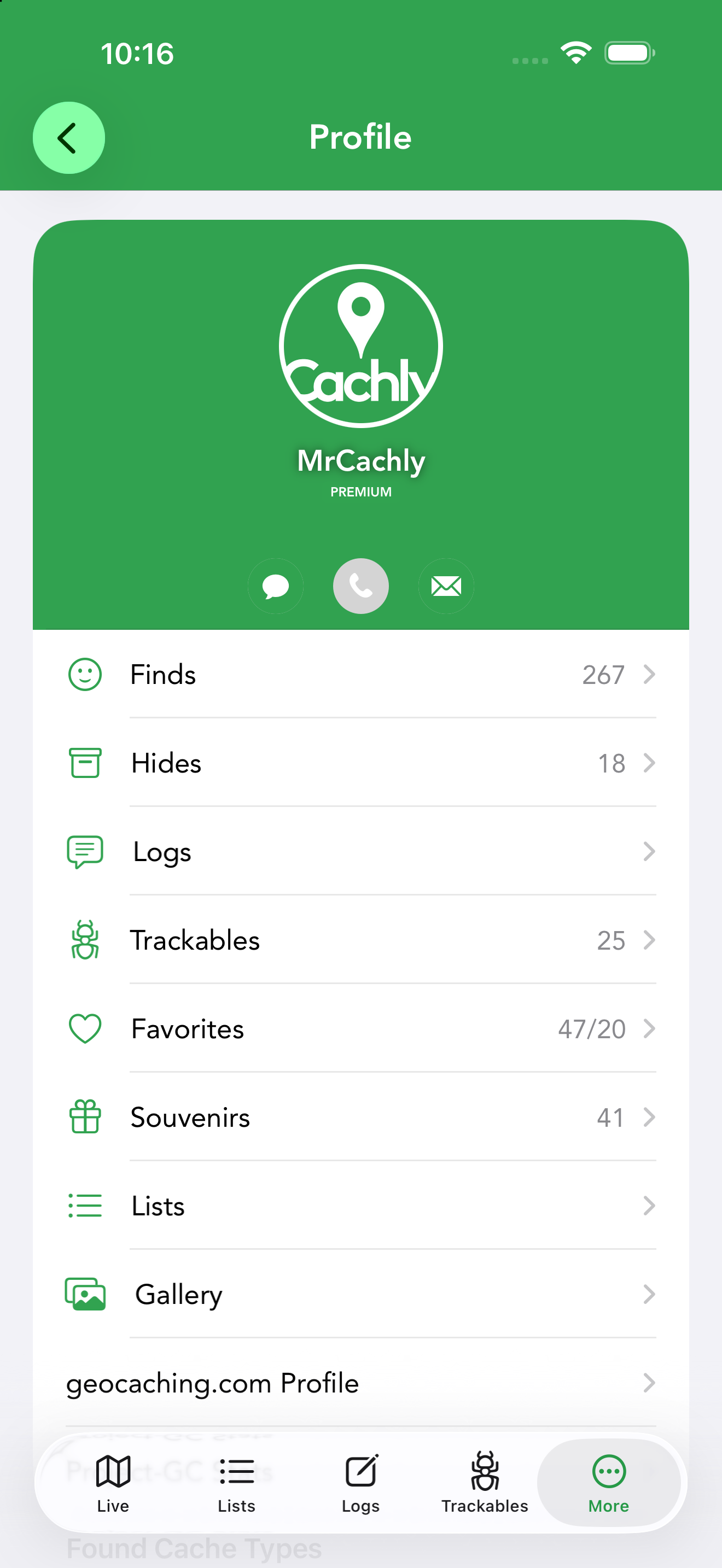
Tap your name at the top of the More tab to open your profile — your geocaching identity in one screen, pulled from Geocaching.com. Your avatar and banner image sit at the top with your username below, plus a PREMIUM badge if you hold a premium membership. Below that, rows drill into every part of your record, and a Found Cache Types chart at the bottom of the screen breaks your finds down by cache type:
- Finds — opens a map of everything you’ve found, so you can see your caching footprint at a glance.
- Hides — the caches you own.
- Logs — your log history.
- Trackables — the trackables you own.
- Favorites — your favorite points, shown as remaining/awarded.
- Souvenirs — your earned souvenirs.
- Lists — your geocaching.com lists.
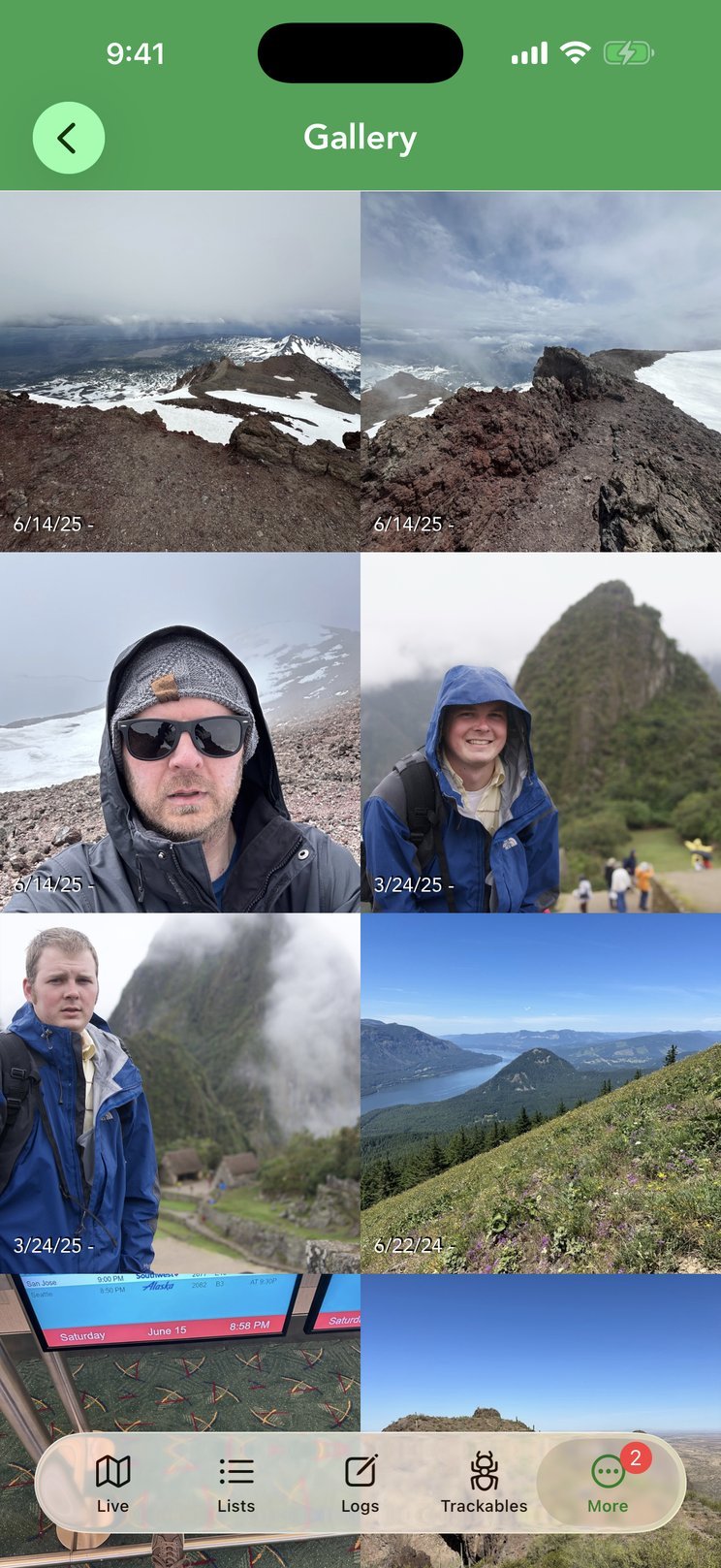
- Gallery — every photo you’ve attached to a log, sorted by date.
- geocaching.com Profile and Project-GC Stats — open your full web profile and Project-GC statistics.
Friends
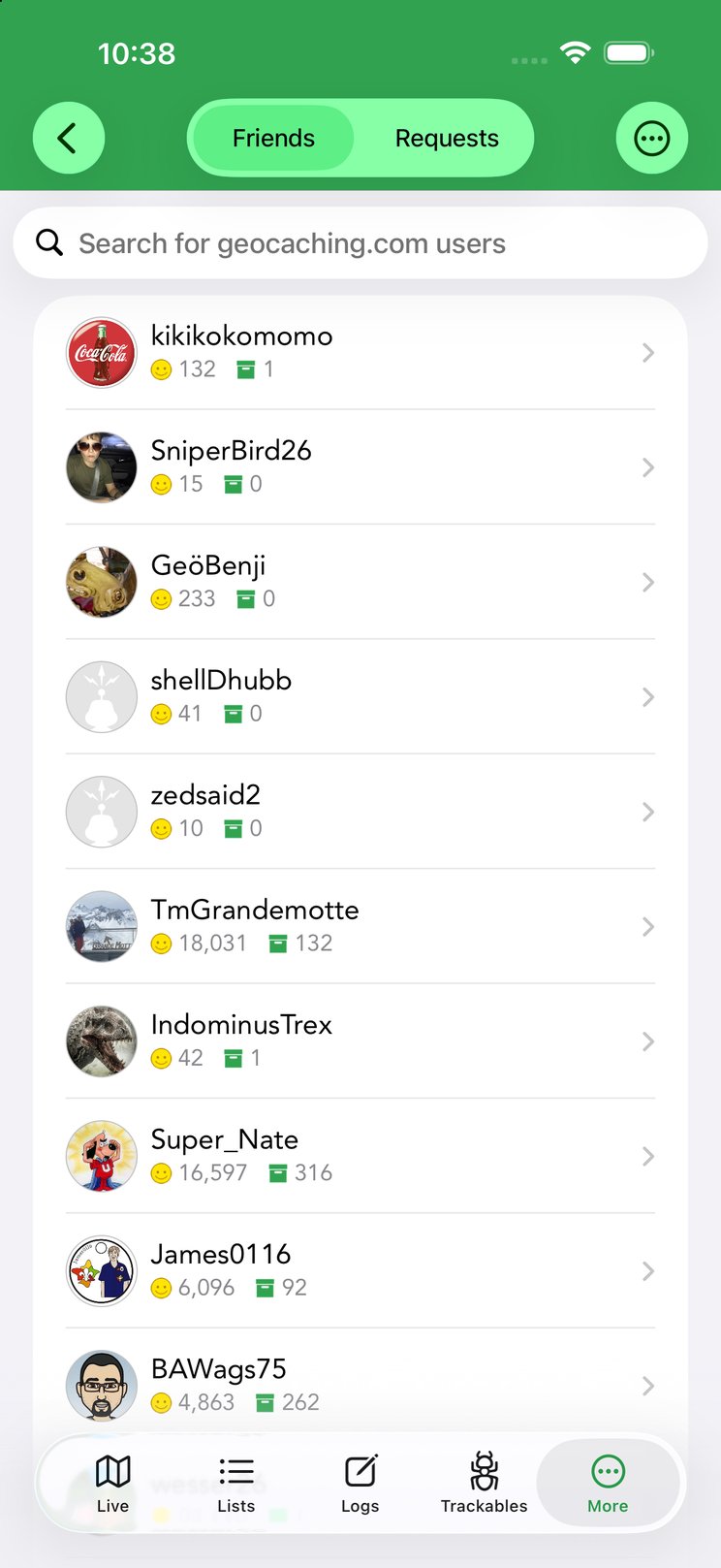
More › Friends lists your geocaching.com friends with their find counts; tap one to open their profile, and use the Friends / Requests switch at the top to review and accept pending friend requests. Because of GDPR and Geocaching HQ privacy rules, friends only appear if they’ve authorized sharing — both you and each friend must check “Allow Authorized Developer applications…” under geocaching.com › Authorizations. Cachly explains this with a prompt the first time you open Friends, and offers a shortcut to view or manage your authorizations. If you don’t see everyone, that authorization is usually why.
Phone, Text or Message a Cacher
From a user profile, a friend, or a log author, you can phone, send a geocaching.com message, or text them. Phone/text require the cacher’s caching name to be stored in the Company, Nickname or Notes field of an iOS contact (matched case-insensitively); this needs Contacts permission. If the same caching name is found in more than one of your contacts, Cachly lets you pick which one to use. The Email button offers a single option: open the cacher’s geocaching.com email page, where you write to them through Geocaching.com rather than from your own mail app.
Message Center
More › Message Center opens the geocaching.com Message Center in a browser view inside Cachly, so you can read and reply to messages from other cachers without leaving the app.
Souvenirs
Souvenirs are the virtual badges Geocaching.com awards for finds in particular places or during events. Cachly lists the souvenirs you’ve earned with the date each was awarded; tap one for its artwork and details.
D/T Grid
More › D/T Grid shows a 9×9 Difficulty/Terrain matrix of your finds. See the dedicated D/T Grid page.
Usage & Storage
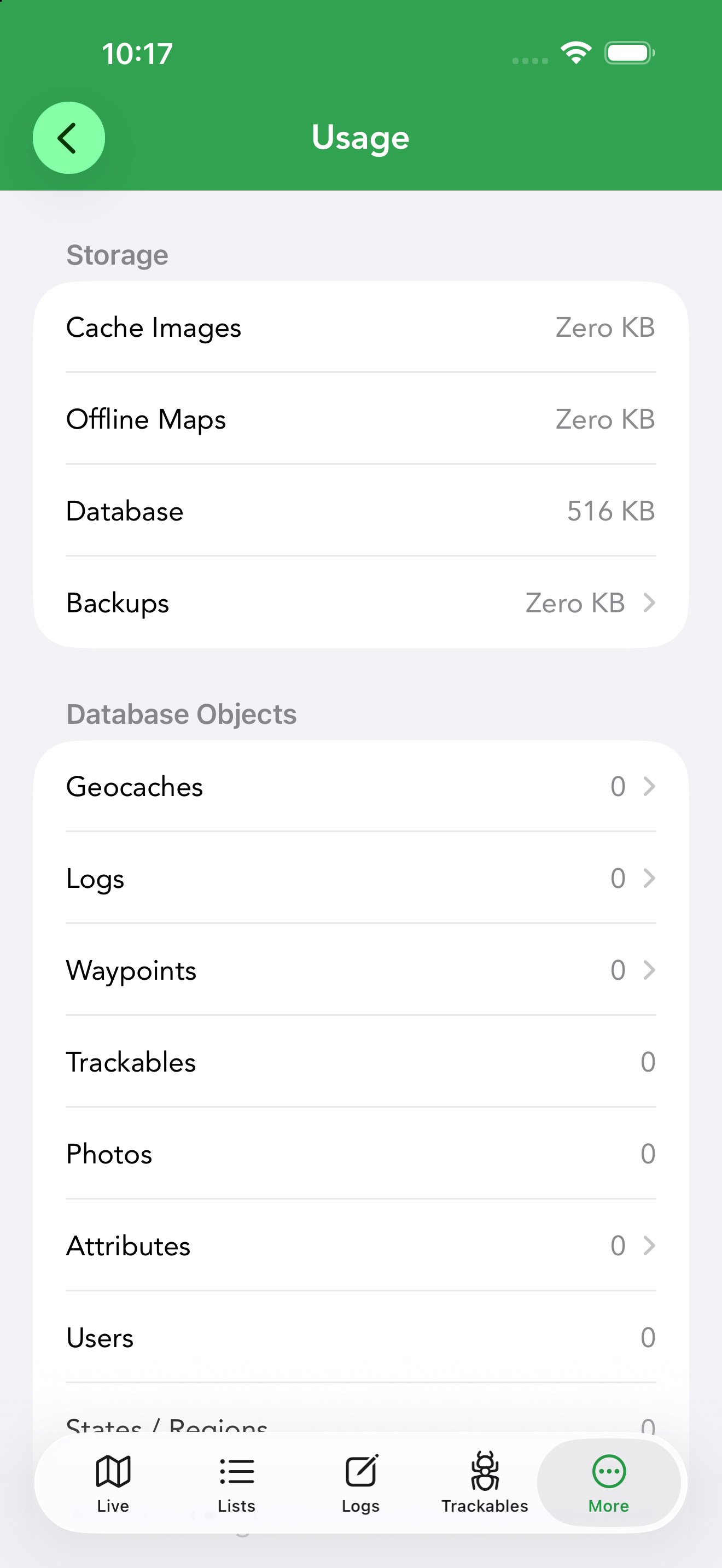
More › Usage gives you a clear picture of what Cachly is storing on your device and how much Geocaching.com API allowance you have left. It has three parts:
- Storage — how much space Cache Images, Offline Maps, the Database and Backups occupy. The rows are tappable for cleanup: delete all images, delete offline maps, or delete backups to reclaim space.
- Database Objects — counts of what’s stored on the device: geocaches, logs, waypoints, trackables, photos, attributes, users and state/county regions.
- API Limits — Geocaching.com limits how many caches apps can request per period, with separate quotas for lite (basic) and full geocache data. Cachly shows how many of each you have remaining and the time until the count resets — useful if you do heavy searching or large downloads and want to pace yourself.